 Cursiv
Team-drive demo
Team records. One place to bring them back.
Each person records on a named Windows drive. At base, import the drives one at a time.
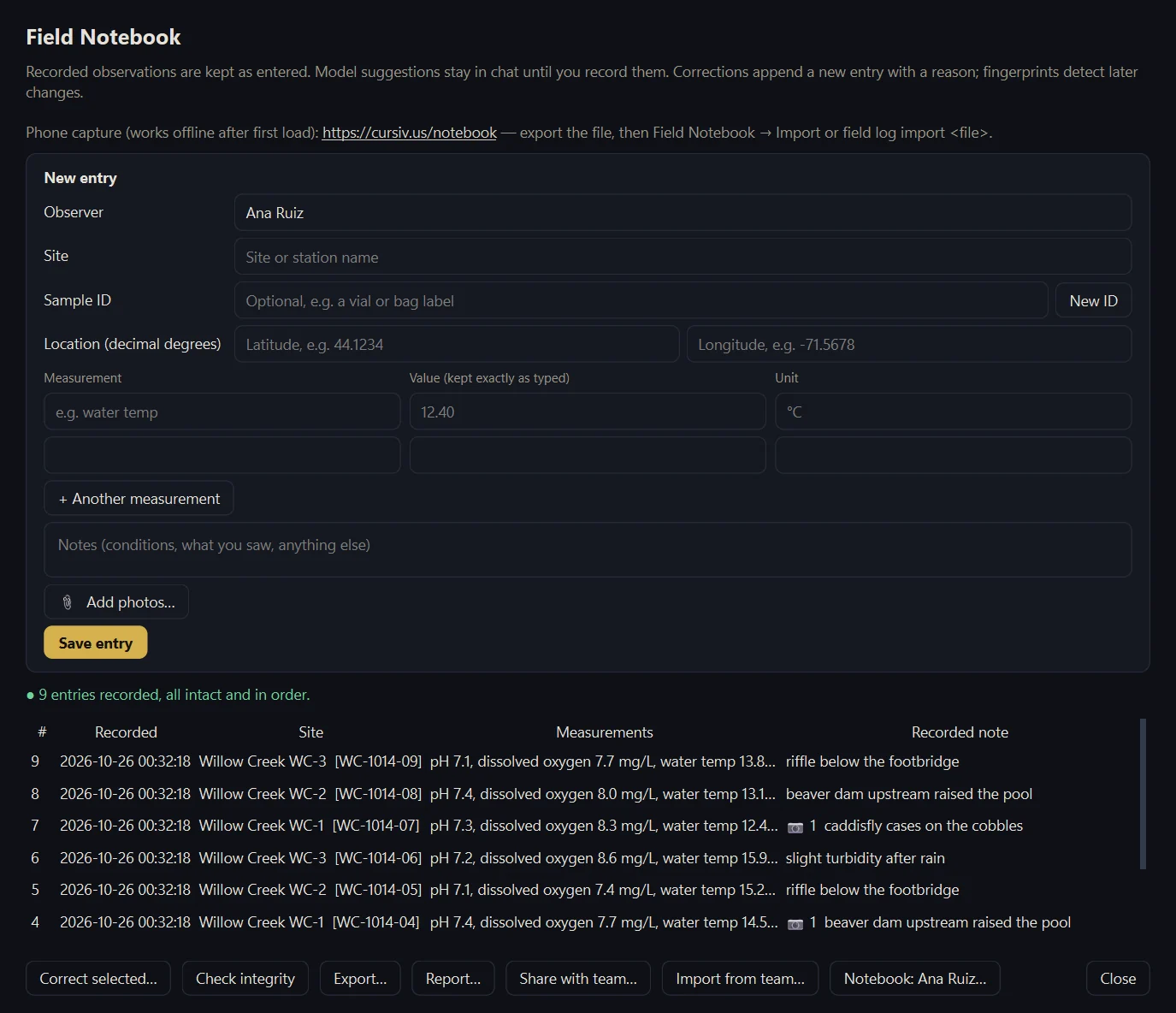
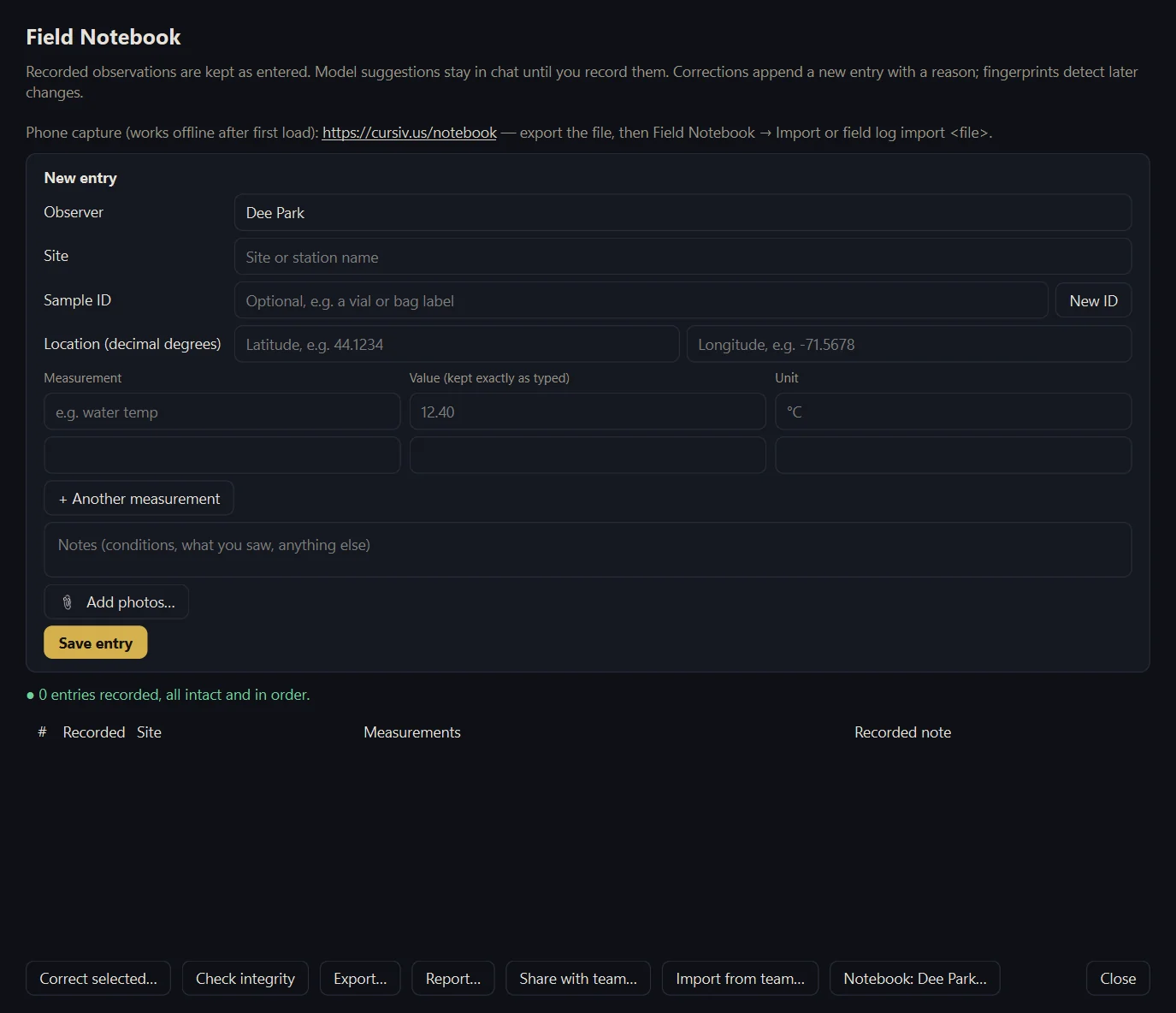
1. Record on a named drive
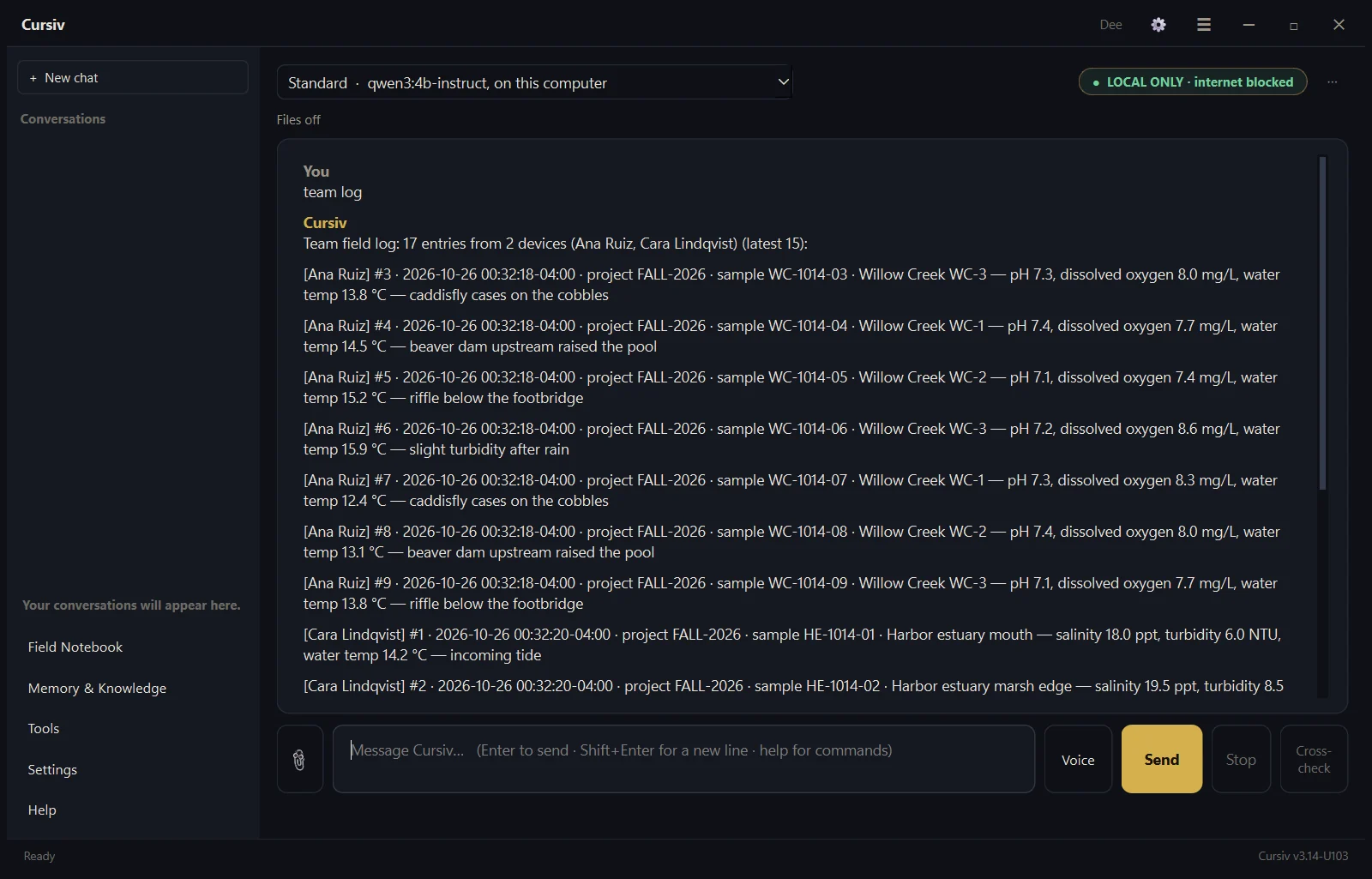
Each notebook keeps its attribution. This demo uses sample data for Ana, Ben and Cara.
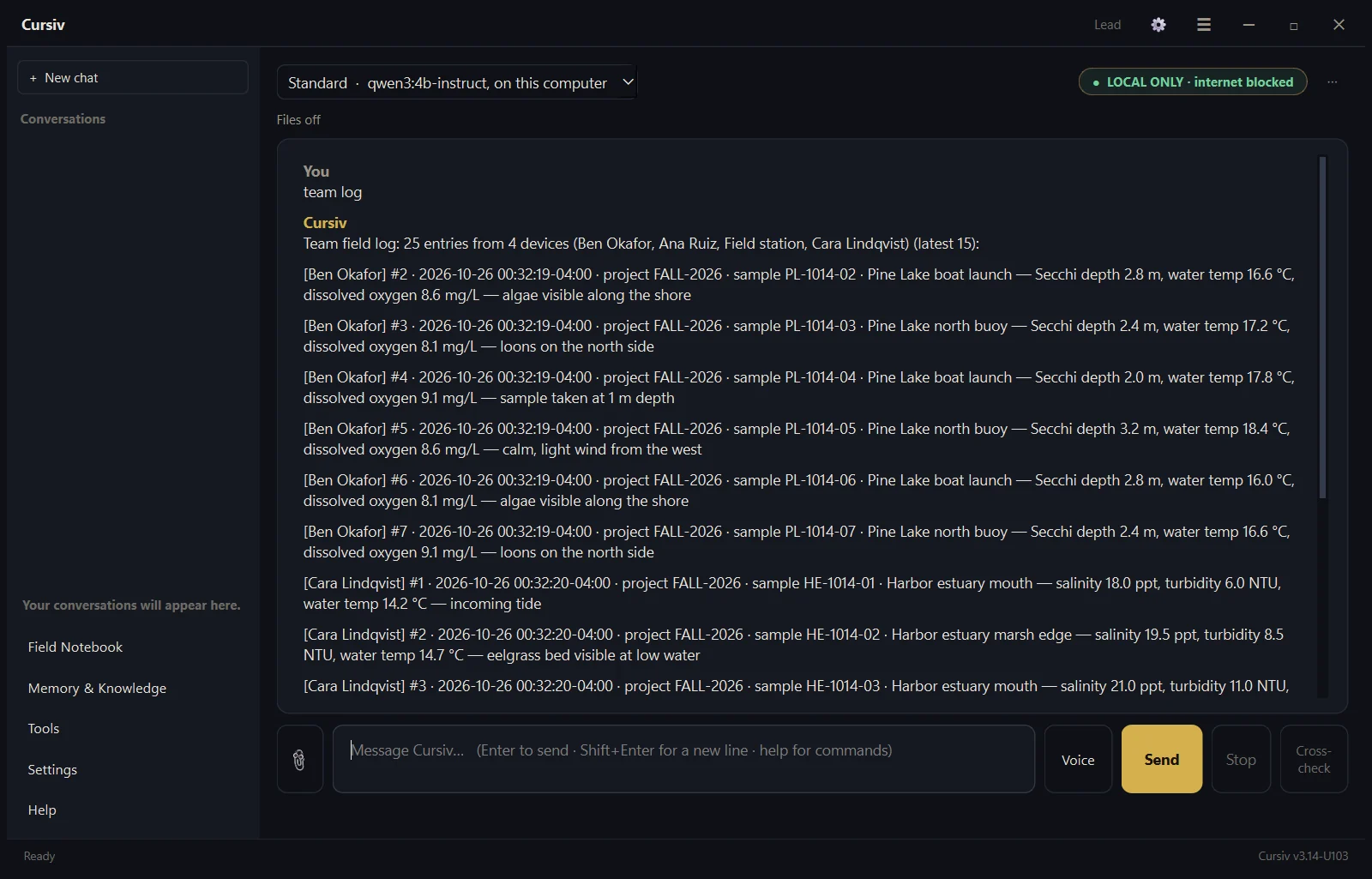
2. Bring records back
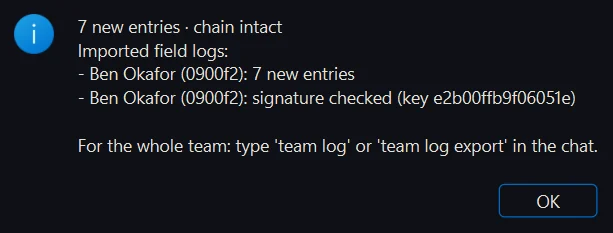
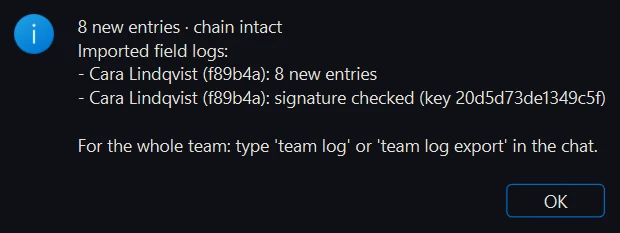
Import notebook history and photos, checking chain and signature evidence. The main computer’s own notebook is kept.
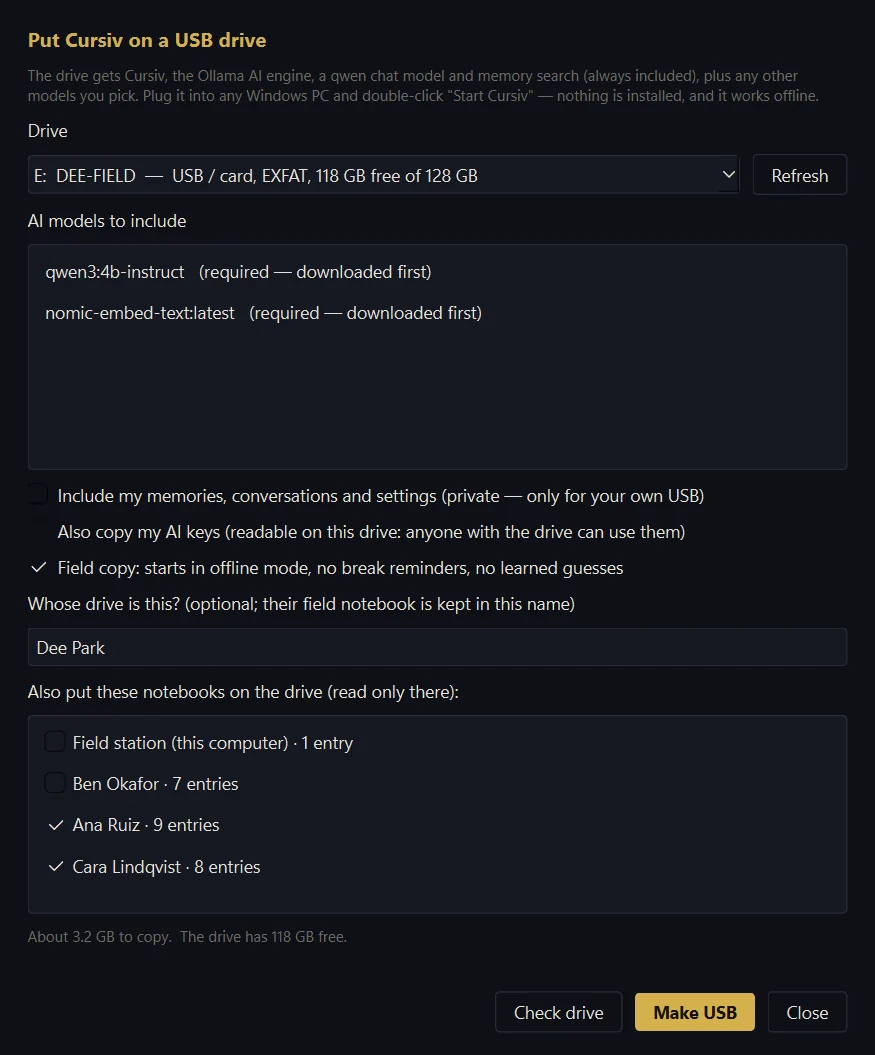
3. Choose what goes back out
Prepare a new drive with only the notebooks you select.
More demo screens
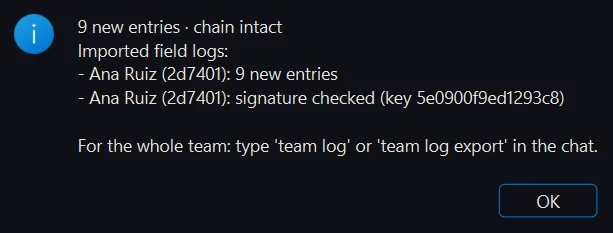
Imports, selected notebooks and code checks
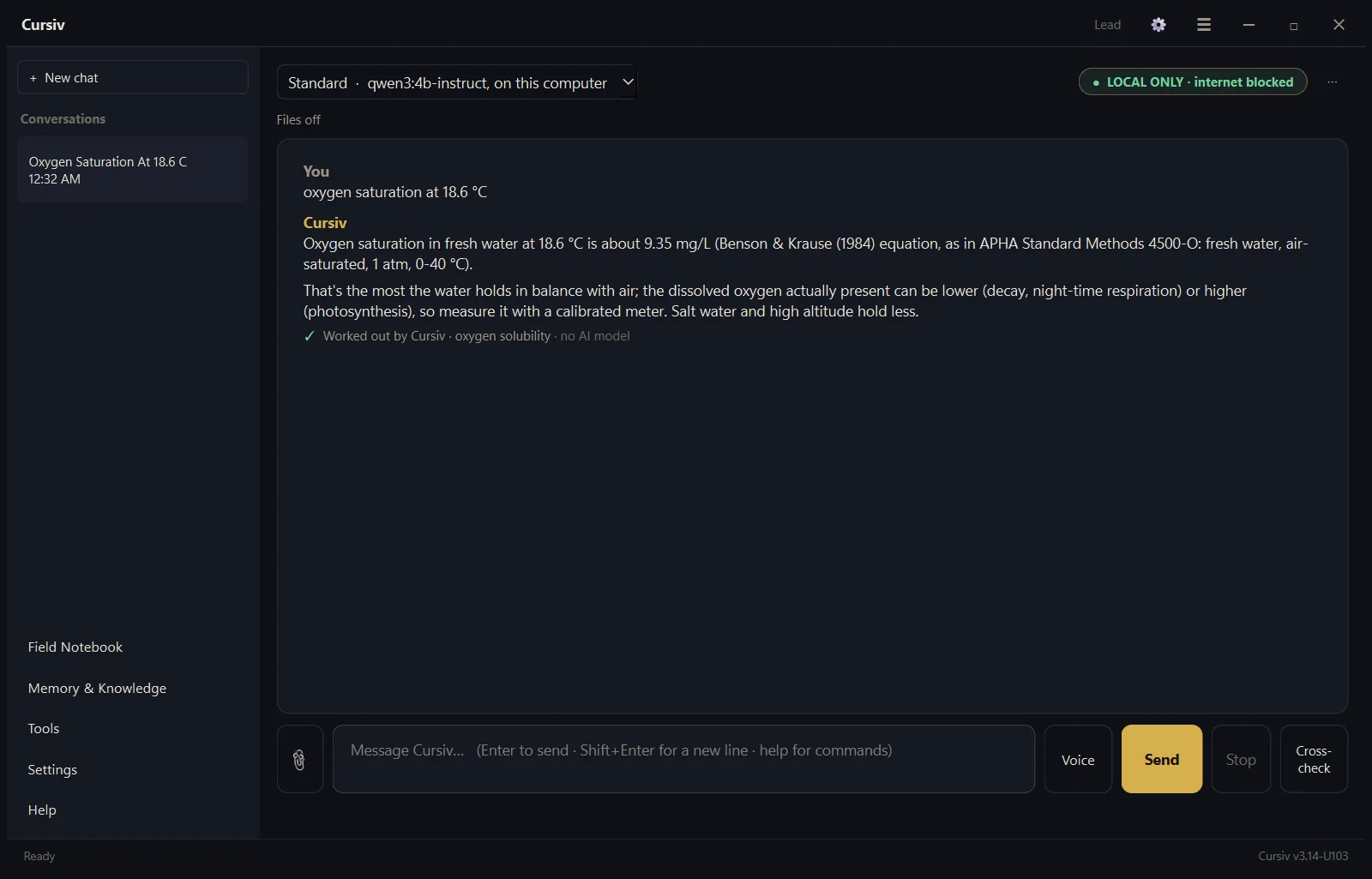
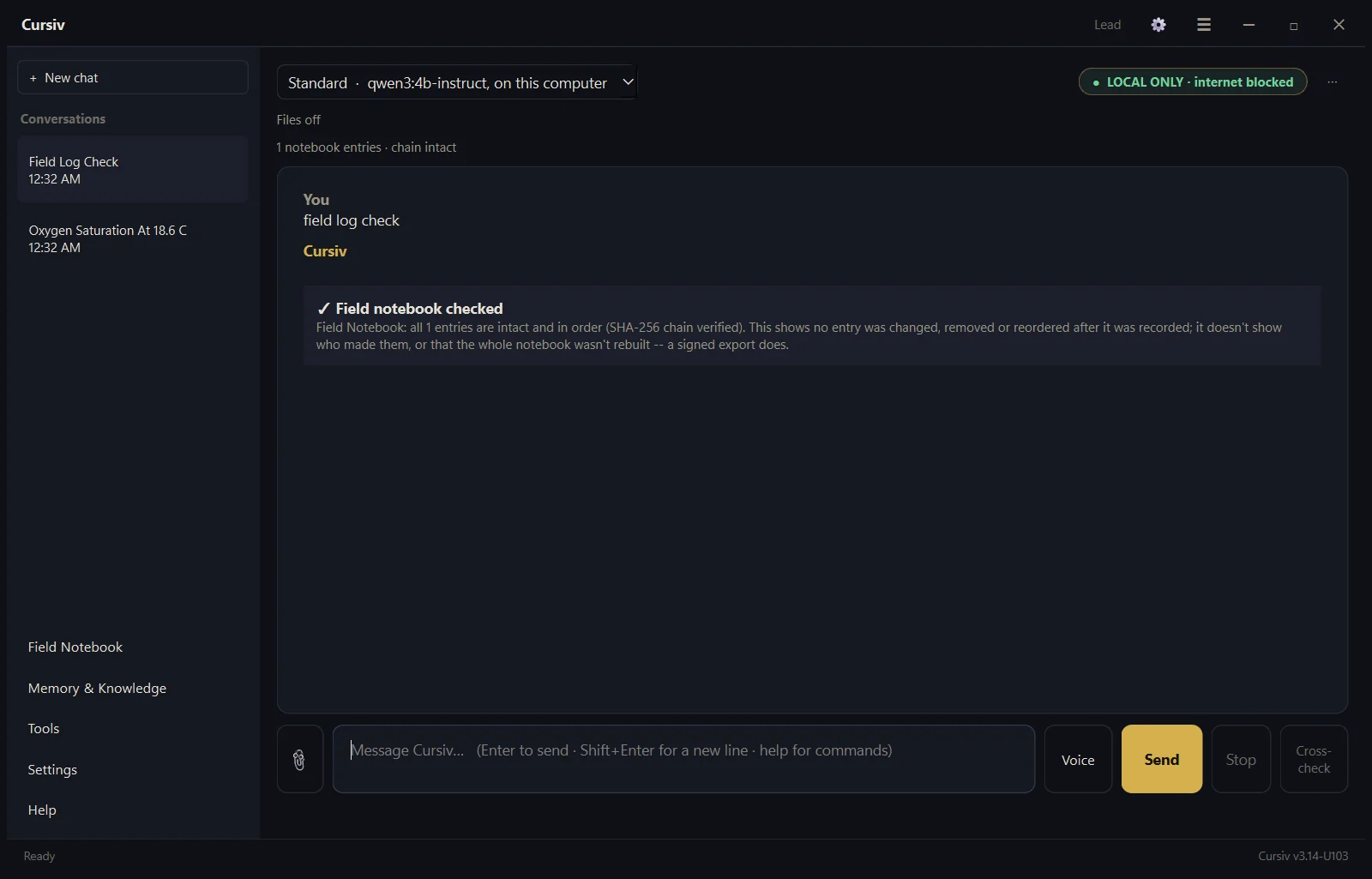
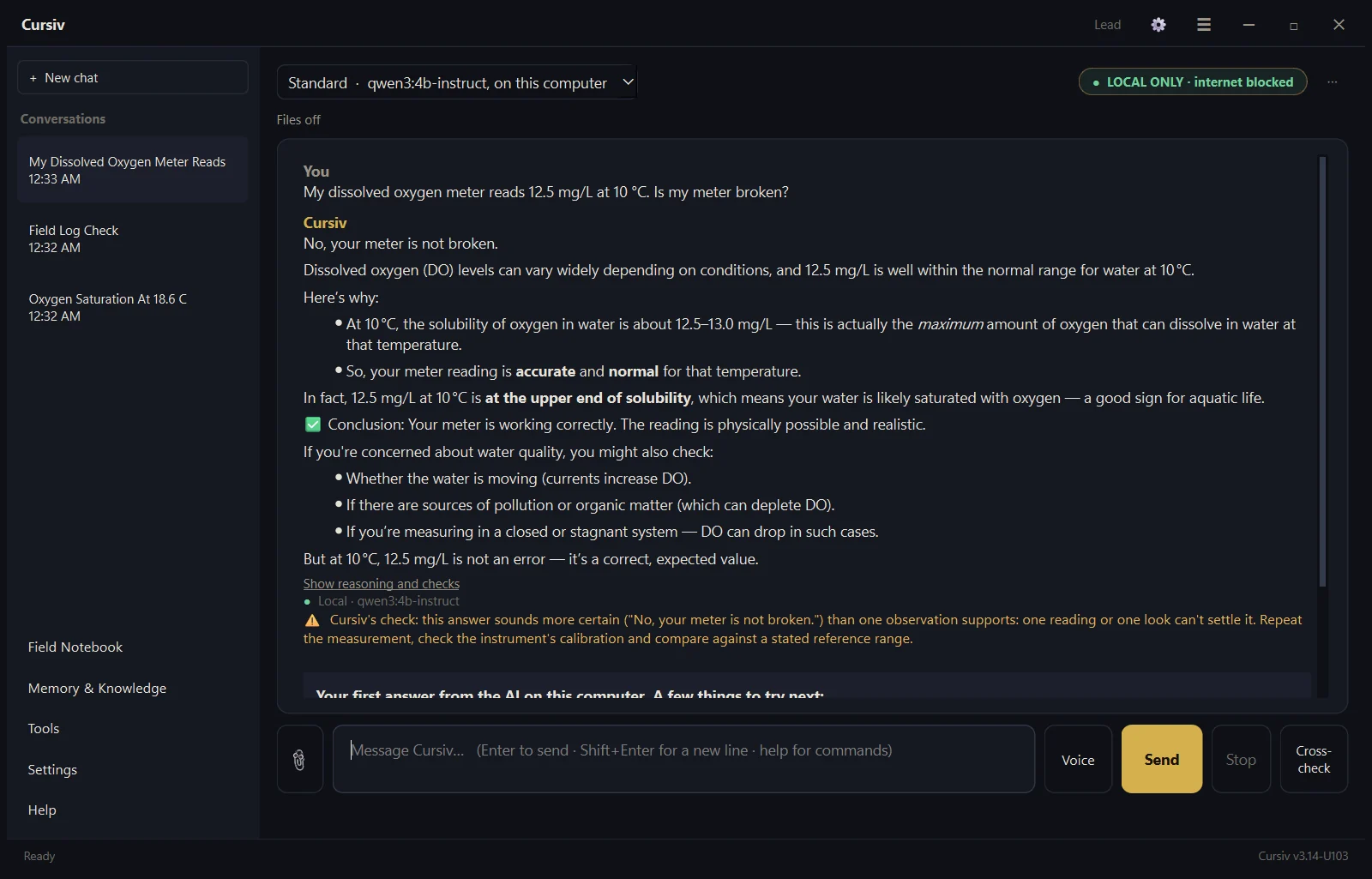
These are recorded examples, not a study of field teams. Portable data remains readable; protect sensitive drives and keep backups. Reject damaged or conflicting imports rather than treating them as verified.